
First, you need to find any video that can allow you to embed it.
For this I'm using this video that I found from Youtube.

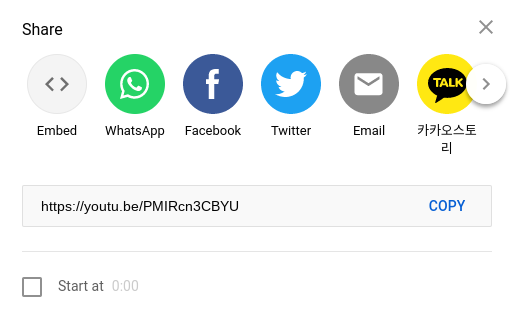
When you find the video you wish to use, you need to hit the share button.
After you click share you need to click embed.
When you click embed you'll see this pop-up with code starting with iframe.
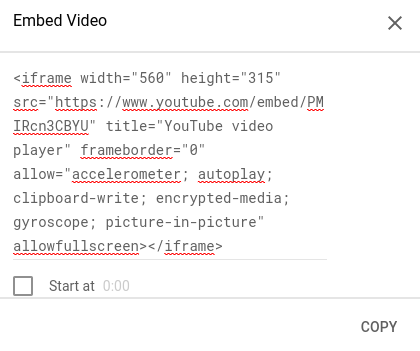
You need to copy this code and paste it into your html file.
With the code put into your html file all you need to do is save and and you have succesfully embedded a video into a website.